If you want quick visibility on Google Maps in Canada without paying for ads, focus on three things: a perfect Google Business Profile, strong local signals, and real customer engagement.
Here is the short version first:
Claim and fully optimize your Google Business Profile (GBP).
Use the right primary category and add all services.
Make your Name–Address–Phone (NAP) 100% consistent everywhere online.
Get a steady flow of real 5-star reviews with keywords and local details.
Add high-quality photos, posts, and FAQs every week.
Build Canadian local citations (YellowPages, Yelp, 411, etc.).
Make a simple, fast website that matches your GBP and mentions your city.
Track results and keep improving.
Now let’s go step by step, in clear, simple language.
How Google Maps Decides Who Ranks
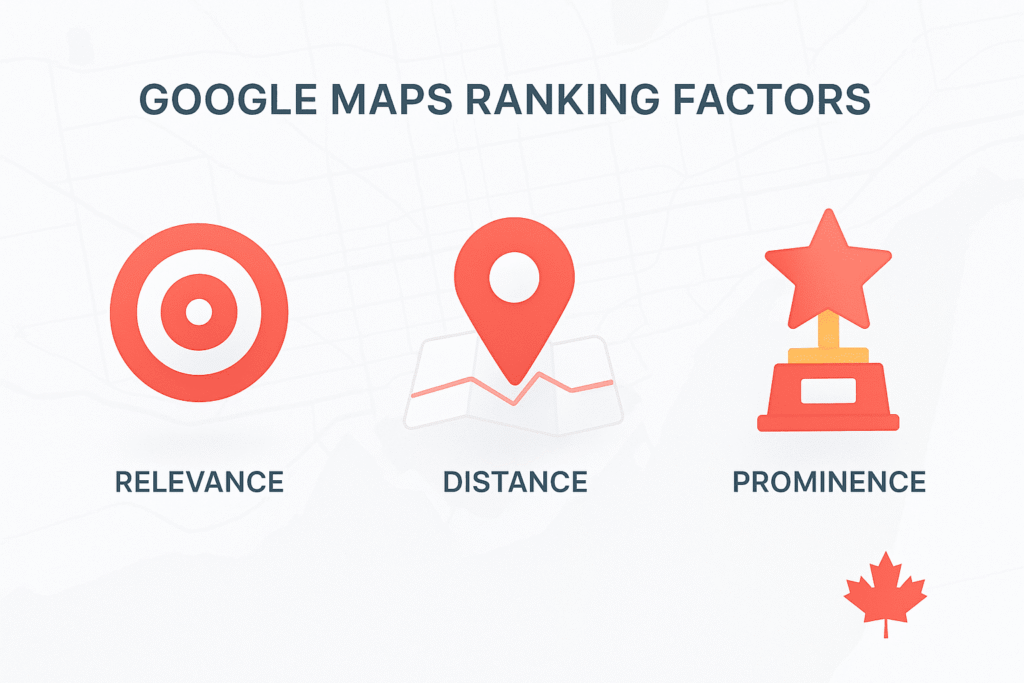
Google has confirmed that local results are mainly based on three factors: relevance, distance (proximity), and prominence.
Relevance – How well your business matches what people search for.
Distance – How close your business is to the searcher or the area they typed (e.g., “plumber Toronto”).
Prominence – How well-known and trusted your business looks online (reviews, links, citations, brand mentions).
You can’t change where a person is standing when they search, but you can improve relevance and prominence. That’s where you win without ads.
Step 1: Set Up or Fix Your Google Business Profile
Claim or Create Your Listing
Go to Google Business Profile (formerly Google My Business) and either claim or create your listing for free.
Make sure:
You use your real business name (no fake keywords like “CanadaAds Marketing #1 SEO Halifax”).
You enter a complete and accurate street address if customers visit you in person.
If you are a service-area business (e.g., plumber, mobile detailing, home cleaning), set a service area and hide your home address, following Google’s rules.
Use the Right Category From Day One
Your primary category is one of the strongest relevance signals.
Examples for Canada:
“Mexican restaurant”
“Immigration lawyer”
“Digital marketing agency”
“Plumber”
“Dental clinic”
Then add secondary categories only if they truly apply (e.g., “Internet marketing service”, “Advertising agency”).
Helpful Table: Example Categories for Canadian Businesses
| Business Type | Good Primary Category | Possible Secondary Categories |
|---|---|---|
| Local restaurant | Mexican restaurant | Bar, Takeout restaurant, Restaurant |
| Digital marketing agency | Marketing agency | Internet marketing service, Advertising agency |
| Immigration law office | Immigration attorney | Law firm |
| Home cleaning | House cleaning service | Janitorial service |
| Physiotherapy clinic | Physical therapy clinic | Sports medicine clinic |
| HVAC company | HVAC contractor | Air conditioning repair service, Heating contractor |
Choose categories using the language your customers type, not your internal jargon.
Complete Every Field (Don’t Be Lazy Here)
Fill out every possible field:
Business description (plain, simple English; include your city and main service).
Opening hours (match your real hours).
Website URL (even if it’s a simple one-page site).
Phone number (local area code if possible, not just a toll-free number).
Attributes (e.g., “Wheelchair accessible entrance”, “LGBTQ+ friendly”, “Dine-in / Takeout / Delivery”).
The more complete your profile, the more relevant you look.
Step 2: Make Your NAP and Website Match Your Profile
What Is NAP and Why It Matters
NAP = Name, Address, Phone number.
Local SEO studies show that consistent NAP details across the web help Google trust your business and support local rankings.
If your Google profile says:
CanadaAds Digital Marketing
123 King St, Halifax, NS B3J 2K9
(902) 555-1234
Then your website, Facebook page, Yelp listing, YellowPages listing, etc. should show the exact same format – same spelling, same suite number, same phone.
Table: NAP Consistency Checklist
| Item to Check | What to Do |
|---|---|
| Business name | Use the same spelling everywhere (no extra keywords). |
| Address line 1 | Include full street, number, and unit if needed. |
| City, province, postal code | Match Canada Post format exactly. |
| Phone number | Same number, same format, local area code if possible. |
| Website URL | Use the same preferred version (https, www or non-www). |
Align Your Website With Your Google Business Profile
To boost relevance, your website should support what your Google listing says.
On your homepage (or a dedicated local landing page):
Include your business name, city, and main keyword in:
Title tag (e.g., “Digital Marketing Agency in Halifax | CanadaAds”)
H1 heading
First 100–150 words
Add your full NAP in the footer or a clear “Contact” section.
Use simple internal links like “SEO services in Halifax” or “Google Ads management in Calgary” pointing to detailed service pages.
If you serve multiple cities in Canada, build separate local landing pages (e.g., “Digital Marketing Services in Toronto”, “SEO Company in Vancouver”) instead of stuffing all cities on one page.
Step 3: Optimize Your Profile Content for Relevance
Write a Clear, Human-Friendly Business Description
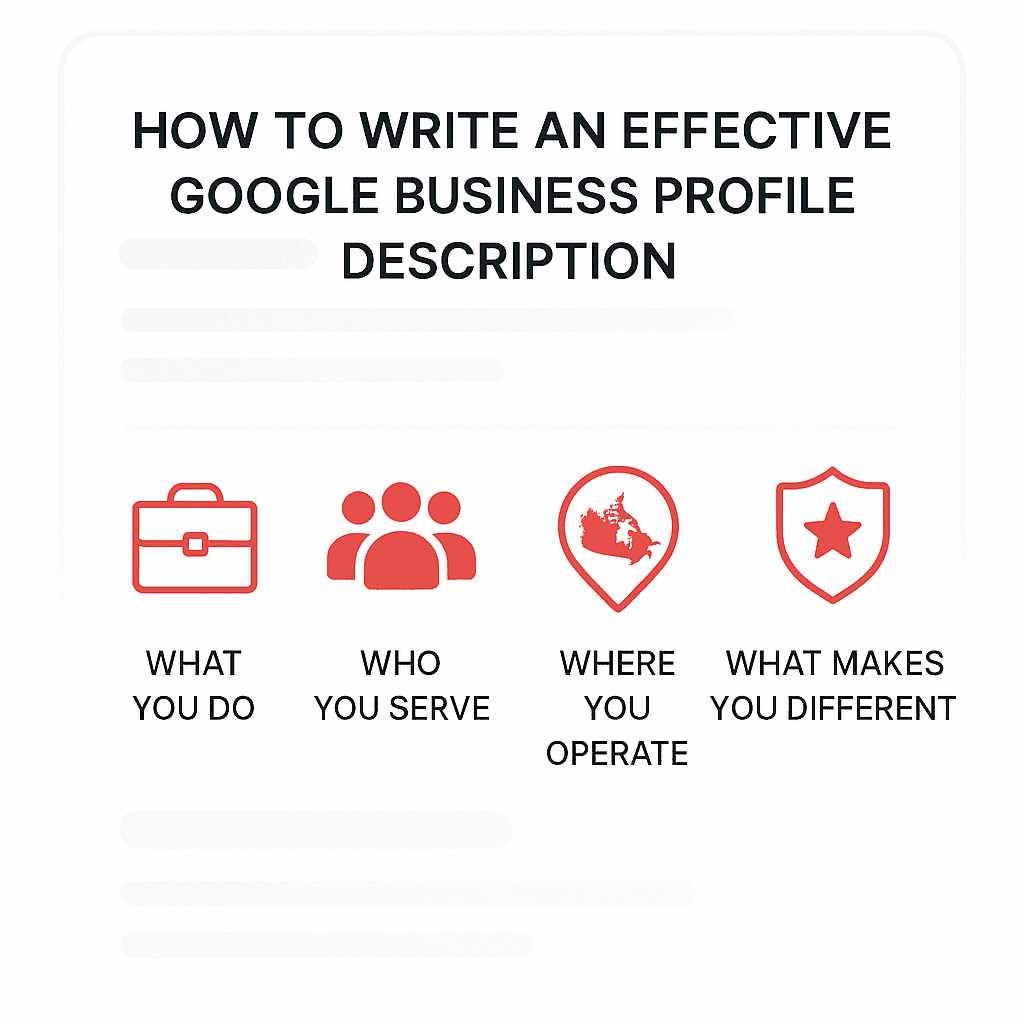
Use simple English and naturally include:
What you do
Who you serve
Where you operate
What makes you different
Example:
CanadaAds is a digital marketing agency helping local businesses across Canada grow with SEO, Google Ads, and social media campaigns. Based in Halifax, we work with restaurants, home services, and professional firms to generate more leads from Google Search and Google Maps.
Avoid keyword stuffing like:
“Best digital marketing agency Halifax, SEO Halifax, Google Ads Halifax, social media Halifax…”
Add All Your Services and Products
Use the Services and Products sections inside your GBP:
Break services into simple items: “Google Ads management”, “Local SEO for restaurants”, “Social media advertising”.
Add short descriptions and prices if possible.
This helps Google understand exactly what you offer, and can show your services directly in your listing.
Step 4: Use Photos, Posts, and FAQs to Stand Out
Photos That Actually Help Ranking
Google suggests keeping your profile updated with recent, high-quality photos to show customers what to expect.
Upload:
Exterior photos (so people recognize your building from the street).
Interior photos (clean, welcoming, realistic).
Team photos (if relevant and approved by staff).
Service photos (before/after cleaning, dishes in a restaurant, work samples).
Avoid blurry images, heavy filters, and stock photos that don’t look like your real business.
Google Posts: Use Them Like Mini-Ads (But Free)
Post once or twice a week:
Short offers (“10% off first month of SEO services in Calgary”).
Events (“Free marketing audit day – Toronto clients only”).
New services (“We now offer website design for Canadian restaurants”).
Include:
A simple call to action: “Call now”, “Visit website”, “Book”.
A clean image (you can reuse your social media creatives).
Use Q&A (Questions & Answers) to Pre-Sell
Add common questions and answers yourself:
“Do you serve clients outside Halifax?”
“Do you offer month-to-month contracts?”
“What’s included in your SEO package for local restaurants in Canada?”
Use short, helpful answers written in regular language.
Step 5: Get More Real Google Reviews (Safely)
Reviews are a major part of your prominence. More high-quality reviews with keywords and local context can strongly support your Map rankings.
How to Ask for Reviews Without Being Annoying
Create a short review link from inside your Google Business Profile.
Ask happy customers right after a good result:
“If you found our work helpful, would you mind leaving a quick Google review? It really helps more local businesses in Canada find us.”
Add the link to:
Email signatures
Invoices
WhatsApp / SMS follow-ups
Your website “Thank you” page
What a Good Review Looks Like (For Local SEO)
Encourage people to mention:
The service they bought.
Their city or area (e.g., “St. John’s”, “North York”, “Surrey”).
The result they got.
Example:
“CanadaAds helped our restaurant in St. John’s get more bookings from Google Maps in just a few months. They set up our Google Business Profile, fixed our SEO, and now we show up at the top when tourists search for Mexican food nearby.”
Simple Review Request Templates
Email / Message Template for Service Businesses
Hi [Name],
Thanks again for working with us on your [service].
If you have 30 seconds, a quick Google review would really help other people in [City] find us.
[Review Link]
Thank you so much,
[Your Name]
Table: Review Do’s and Don’ts
| Do | Don’t |
|---|---|
| Ask happy clients personally | Offer money or gifts for 5-star reviews |
| Make it easy with a direct link | Ask people to leave a “positive” review only |
| Reply to every review (good or bad) | Ignore negative reviews |
| Use feedback to improve your service | Argue publicly in angry replies |
Step 6: Build Canadian Citations and Local Links
What Are Citations?
A citation is any online mention of your Name, Address, Phone (NAP) – with or without a link. They are often in directories, social profiles, and local sites.
Even though citations are not as powerful as they once were, they still help with:
NAP consistency
Trust signals
Supporting Google Maps and local results, especially in country-specific markets like Canada.
Core Canadian Citation Sites
Here are some of the most important places to list your Canadian business:
| Priority | Website / Platform | Notes |
|---|---|---|
| 1 | Google Business Profile | Must-have, main map listing |
| 2 | Facebook Page | Add full NAP and link to website |
| 3 | Yelp.ca | Popular for restaurants and local services |
| 4 | YellowPages.ca | Strong Canadian directory, good for NAP consistency |
| 5 | 411.ca / Canada411 | Phone and business directory |
| 6 | BBB (Better Business Bureau, Canada) | Helps with trust & reviews |
| 7 | Bing Places for Business | Extra exposure on Bing and Bing Maps |
| 8 | Apple Maps | Important for iPhone users |
| 9 | Industry-specific sites (law, home services, healthcare) | Match your niche |
You can build these manually or use tools like Whitespark, Moz Local, Yext, BrightLocal to manage and audit your listings more efficiently.
Local Links From Real Canadian Sites
Prominence is not just reviews and citations. Google also looks at links and brand mentions across the web.
Ideas for real Canadian links:
Sponsor a local event or charity and get a link from their website.
Join your local Board of Trade / Chamber of Commerce.
Partner with nearby businesses (e.g., your restaurant with a local tour operator) and exchange blog mentions.
Submit a case study or guest article to Canadian marketing or industry blogs.
The goal: honest, relevant mentions from real organizations in Canada, not spammy link schemes.
Step 7: Make Your Website Strong for Local SEO in Canada
Even though this article is about Google Maps, your organic website SEO still matters. It supports your prominence and helps your listing look trustworthy.
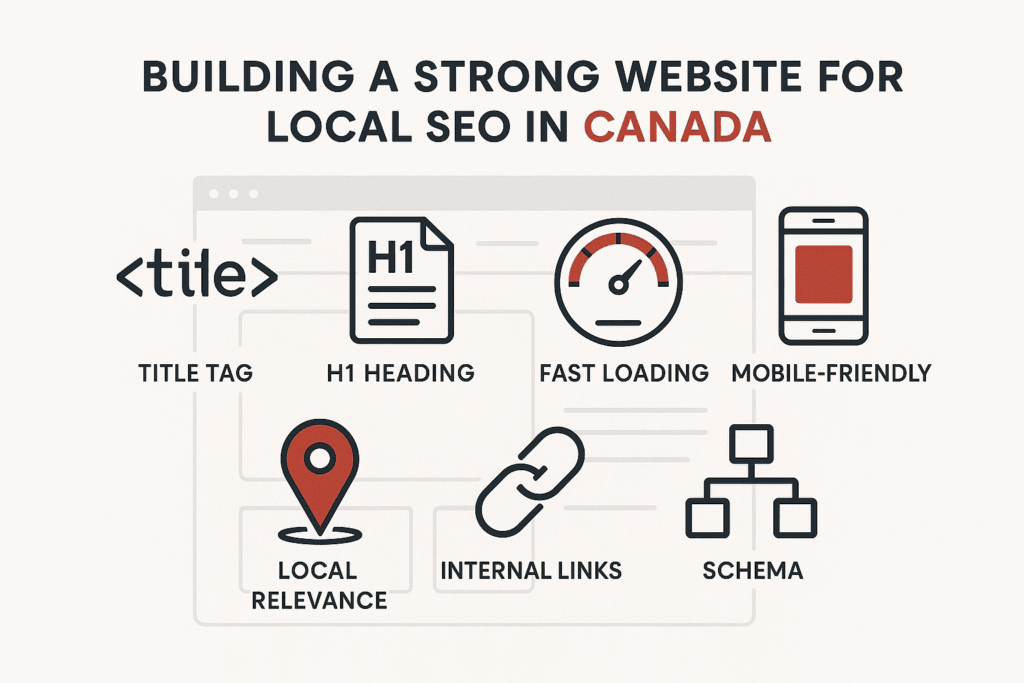
Basic On-Page Checklist
Table: On-Page Local SEO Checklist
| Area | What to Check |
|---|---|
| Title tag | Include main keyword + city (e.g., “SEO Agency in Halifax”). |
| Meta description | Short, clear summary with “Google Maps” or “local business” terms. |
| H1 heading | Clear description: “Local Digital Marketing Services in Canada”. |
| Content | Explain services, locations, and benefits in simple language. |
| Internal links | Link to location/service pages using natural anchor text. |
| Schema markup | Use LocalBusiness schema if possible (optional but useful). |
| Speed & mobile | Page loads fast and works well on phones. |
Example: Simple Local Landing Page Structure
For a city page like “Digital Marketing Agency in Calgary”:
H1: “Digital Marketing Agency in Calgary for Local Businesses”
Short intro: Who you help and what you do in Calgary
Section about services (SEO, Google Ads, social ads)
Section about results or case studies (e.g., local restaurant lead growth)
Clear call to action (“Book a free 15-minute call”)
NAP + map embed of your Google Business Profile
Step 8: Track Your Results and Improve
You can’t fix what you don’t measure.
What to Track
Google Business Profile Insights
How many people saw your listing.
How many clicked “Call”, “Directions”, or “Website”.
Rank tracking
Use tools like a local rank tracker or manually search in incognito mode.
Check multiple locations in your city (downtown, suburbs).
Website analytics
Track how many leads or calls come from organic and Maps traffic.
If certain areas or keywords are weak, adjust:
Add more relevant content for that service or area.
Get more reviews that mention that city.
Strengthen citations and links for that region.